
Triquid Notes
A calm, native home for your Trilium notes on iPhone, iPhone Duo, iPad and Mac. Quick to capture, pleasant to read, and still there when the connection is not.
What it does
Everything you keep in Trilium, made for your hands.
Connect your own TriliumNext server, or start on the device and connect a server later. Your notes come along either way.
Apple Intelligence, on your device
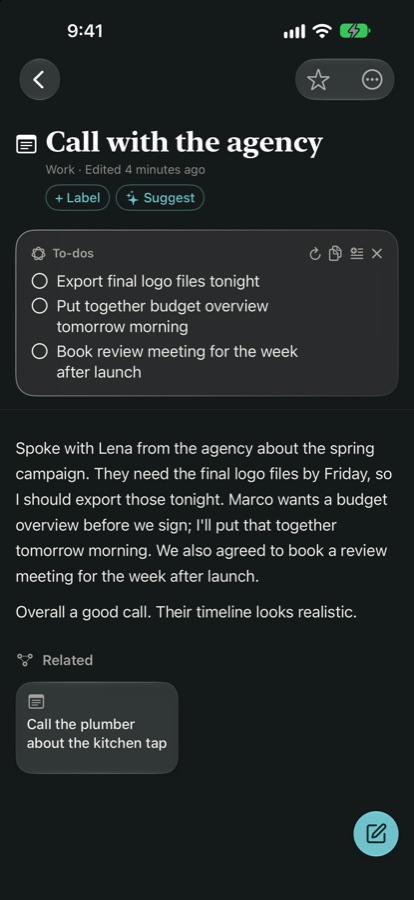
Summaries, to-dos, titles and related notes, even from PDFs and photos, made on your iPhone. Plus Apple’s Writing Tools in the editor.
Capture anything, fast
Quick notes, document scans with searchable text, photos, and whole articles from a copied link.
Works offline
Read and write on a plane or in a basement. Changes sync with your server when you are back.
Organized your way
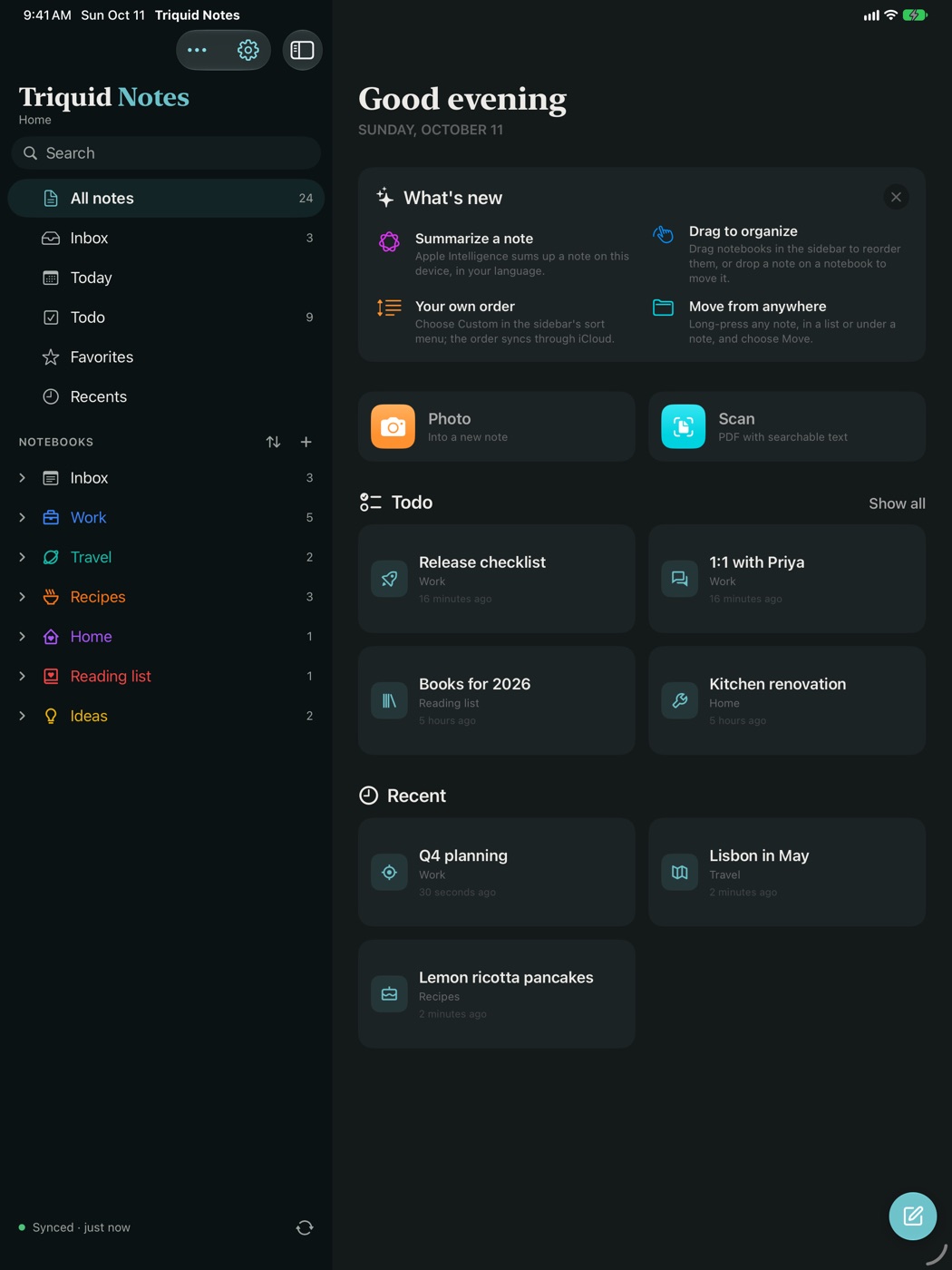
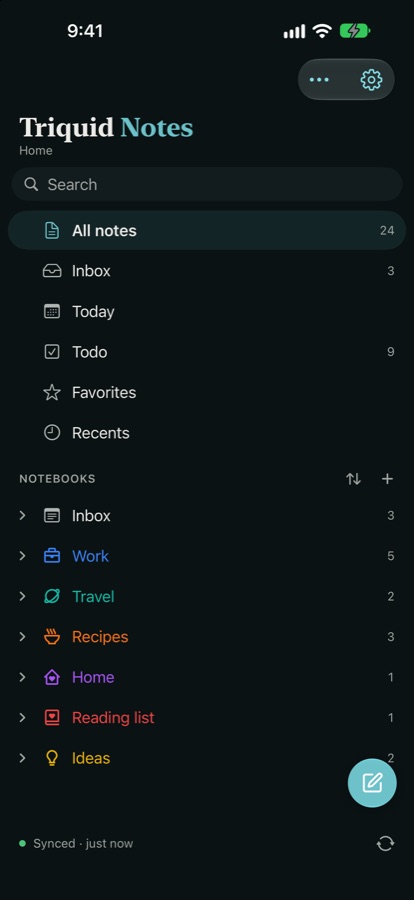
Your whole tree with Trilium’s colors and icons. Drag notebooks into your own order, arrange the home screen as you like; it all follows you through iCloud.
Found in a moment
Full-text search across every note, and straight from Spotlight on your Home Screen.
Made to feel like yours
Accent colors, fonts and dark mode, in Apple’s Liquid Glass. On iPhone, iPhone Duo, iPad and Mac.
Your to-dos, gathered
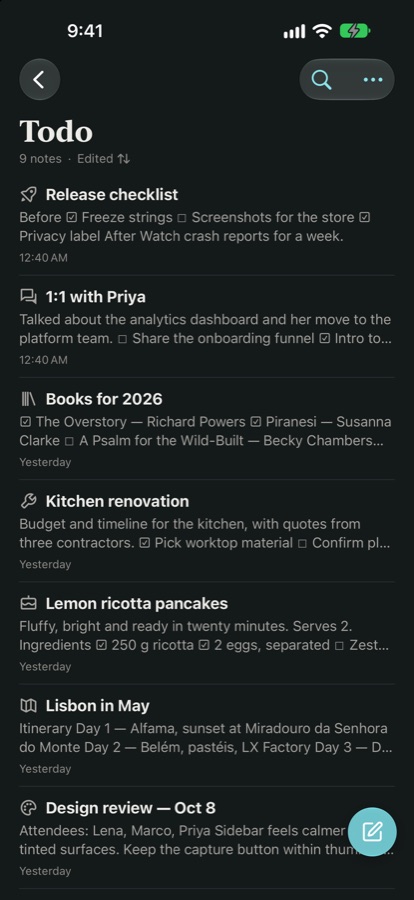
Every open checkbox, in one list.
A recipe, a packing list, the next steps from a meeting: Triquid Notes finds every note with something still to do and puts them side by side.
- Smart folders for Inbox, Today, Todo, Favorites and Recents
- Rich notes: text, code, Markdown, canvas, mind maps, calendars and Kanban boards
- Face ID for protected notes, and text that follows your system text size
Apple Intelligence, on your device
A quiet assistant in every note.
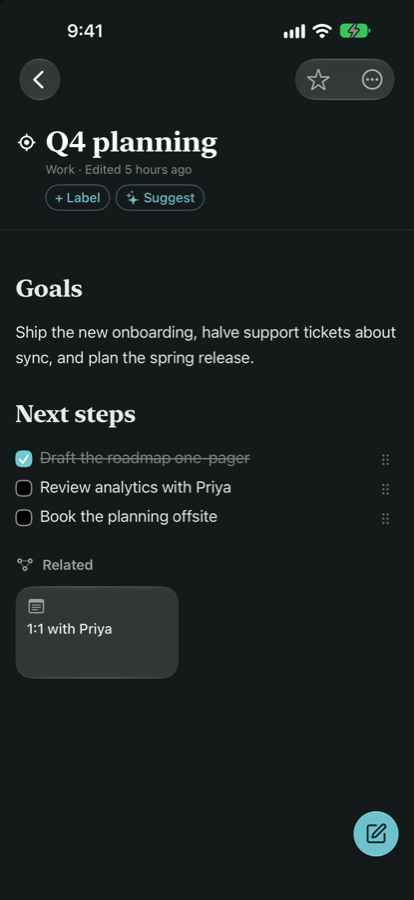
While you write, the Apple Intelligence button in the editing bar offers Summarize, Find To-dos and Suggest Title; the result goes into your note only when you add it, and is saved with the checkmark. The app’s own helpers run on your iPhone, iPad or Mac with Apple’s on-device model; your notes are never sent anywhere to be read. Writing Tools are Apple’s own, under Apple’s privacy protections.
Built on Trilium, not beside it
Your server stays the source of truth.
Triquid Notes reads and writes the same notes, labels and tree as Trilium’s own apps. What you change on your phone is what you see in the browser.
Order lives in Trilium
Drag a notebook onto the top or bottom of another to put it there, or onto the middle to move it inside. The position is saved in Trilium. Sort by title and Trilium’s own #sorted label keeps it that way, on every device.
Checklists are Trilium checklists
The Todo list reads the checkboxes in your notes, and new to-dos are written as real Trilium to-do lists.
Offline, then in sync
Notes, edits and moves made without a connection are kept on the device and sent to your server when you are back.
One sign-in per device
Servers you use on one device are offered on your others through iCloud. Passwords never leave the device you type them on.
Light or dark
Calm in every light.
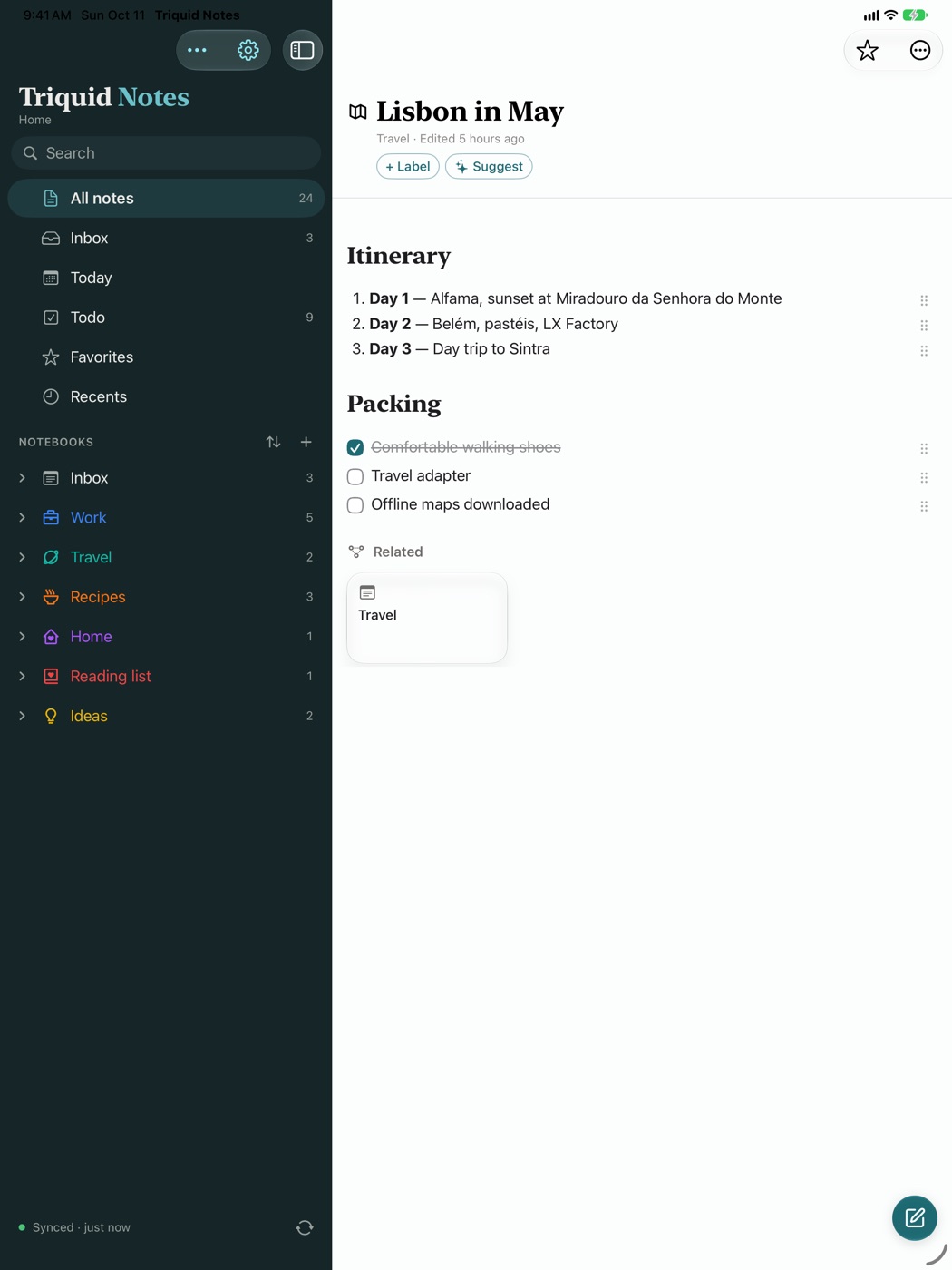
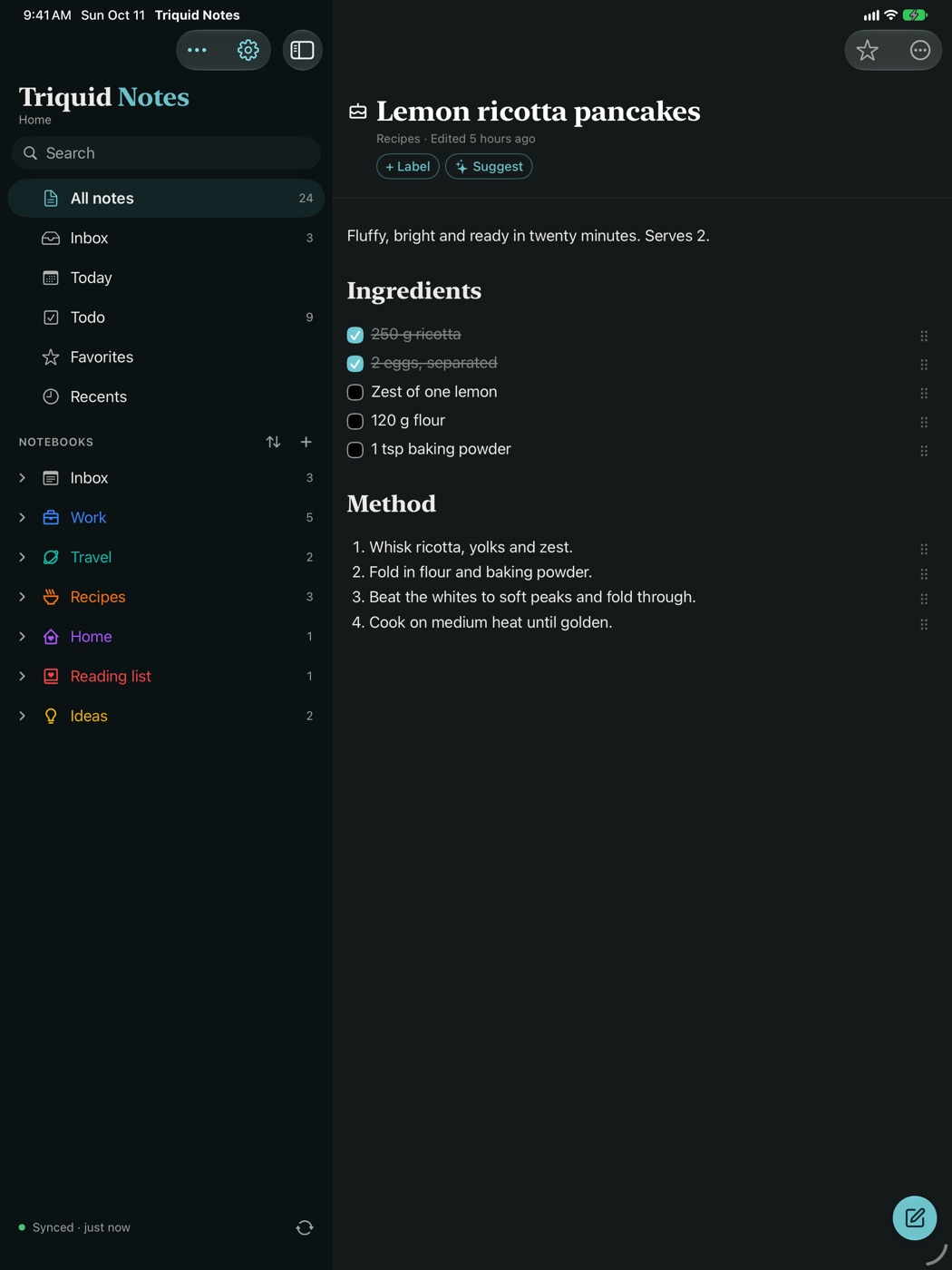
Surfaces are tinted by your accent color, headings use a serif you can swap, and checklists stay where your thumb expects them.


Made for iPhone Duo
Unfold it. Turn it. Fold it.
On the iPhone Duo the layout follows the hinge, and the note you are reading stays open through every fold.
- SidewaysThe menu keeps a third of the screen, as in Apple’s own apps; half open like a book, menu and note each get a page.
- UprightThe menu keeps a third of the screen, the note the rest. Hide the menu when you want the room.
- FoldedThe same note carries on, on the cover display.
Questions
Good to know.
Do I need a Trilium server?
To sync, yes: a self-hosted TriliumNext, version 0.95 or later. You can also start without one; your notes stay on the device and come along when you connect a server later.
Which devices have Apple Intelligence features?
Writing Tools, summaries, to-dos and titles need a device with Apple Intelligence turned on. The rest of the app works on any iPhone or iPad with iOS 26, and on Macs with Apple silicon.
Does anything leave my device?
Only your notes, to your own server. There is no account, no analytics and no tracking. Summaries, to-dos, titles and labels run on the device; Writing Tools are Apple’s system feature, which Apple may run on its Private Cloud Compute. Protected notes are never read by any of them.
Can I make the home screen my own?
On iPad, Mac and an unfolded iPhone Duo, the page beside the menu shows what’s new, photo and scan, your open to-dos, recent notes and favorites. Switch them on or off and drag them into your order in Settings › Home Screen; it follows you through iCloud.
Which languages does it speak?
From version 1.1, all 24 official languages of the European Union, from Bulgarian to Swedish, including the editor’s menus; version 1.0 starts with English, Dutch, French and German. The app follows your iPhone’s language, or the one you pick for it in Settings. Summaries and suggestions follow the app’s language wherever Apple Intelligence supports it.
I moved my notes to Trilium and wanted them to feel at home on my iPhone: quick to jot down, calm to read, and never more than a tap away when the Wi-Fi is not.
Justin MeijerMaker of Triquid Notes
Private by design
Your notes go to your server. That is all.
No account, no analytics, no tracking. The app talks only to the Trilium server you enter, and Apple Intelligence runs on the device. Read the privacy policy.
Triquid Notes
Free on the App Store, for iPhone, iPad and Mac.
Triquid Notes is not affiliated with or endorsed by the Trilium or TriliumNext projects. Based on Trinote by StephenArg, under the Mozilla Public License 2.0.