Highlights made on an e-reader tend to stay on the e-reader. The usual way out is a sync service, which means your reading history takes a trip through somebody else’s server so that it can come back to a folder on your own laptop. That seemed like a long way round.
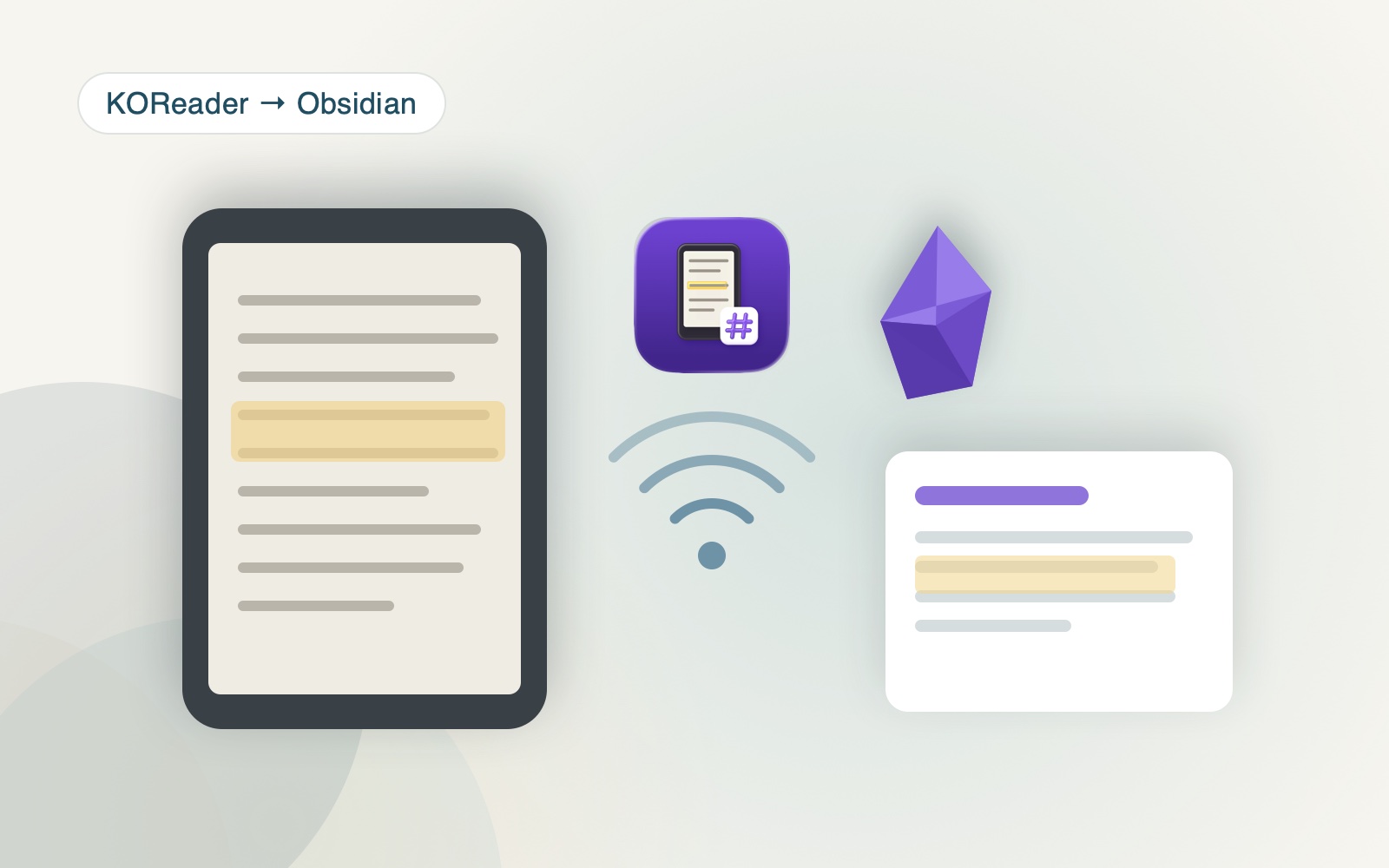
koreader-obsidian-sync takes the short way. It runs a KOSync-compatible server inside Obsidian itself, so the e-reader talks to the vault over the local network and nothing leaves the house.
How it fits together
There are two halves. On the Obsidian side, a plugin starts a small HTTP server listening on port 7777 with a username and password. On the reader side, a KOReader plugin sends highlights and annotations to that address. Both devices need to be on the same WiFi, and KOReader needs your computer’s local IP entered as http://<IP>:7777.
What comes out is one Markdown file per book, named Book Title - Author.md, holding the author, your progress as a percentage, a sync timestamp, and then the highlights grouped by page number with your own annotations sitting alongside the quotes. Ordinary notes, in your vault, that link and search like everything else in there.
Things worth knowing before you install it
The annotations are read out of live memory during a sync. Close the book first and the most recent notes may not be there yet, which is the kind of detail you discover by losing something. Sync before you close.
Automatic syncing only fires when WiFi is already connected, because it will not stop to ask you for a password. Older versions of the reader plugin had a crash on Android that has since been dealt with. And the Obsidian half is desktop only: the mobile app cannot open a listening socket, so there is nothing for the reader to connect to.
Why a server in the note app
Putting the server where the notes already live removes every moving part in the middle. No account, no daemon to keep running, no third party that can change its terms or disappear. The reader speaks a protocol it already knows how to speak, and the thing listening happens to be the place the text was going anyway.
The code is on GitHub: the Obsidian plugin as three files you drop into .obsidian/plugins/koreader-sync/, and the reader half as a obsidian-sync.koplugin folder for your device.