Open source
Made for myself, shared with everyone.
These projects started as a fix for a problem of my own. The source is on GitHub, free to use, read and improve. Everything runs on your own devices.
ZoomCheck
macOS · Swift · MIT licence
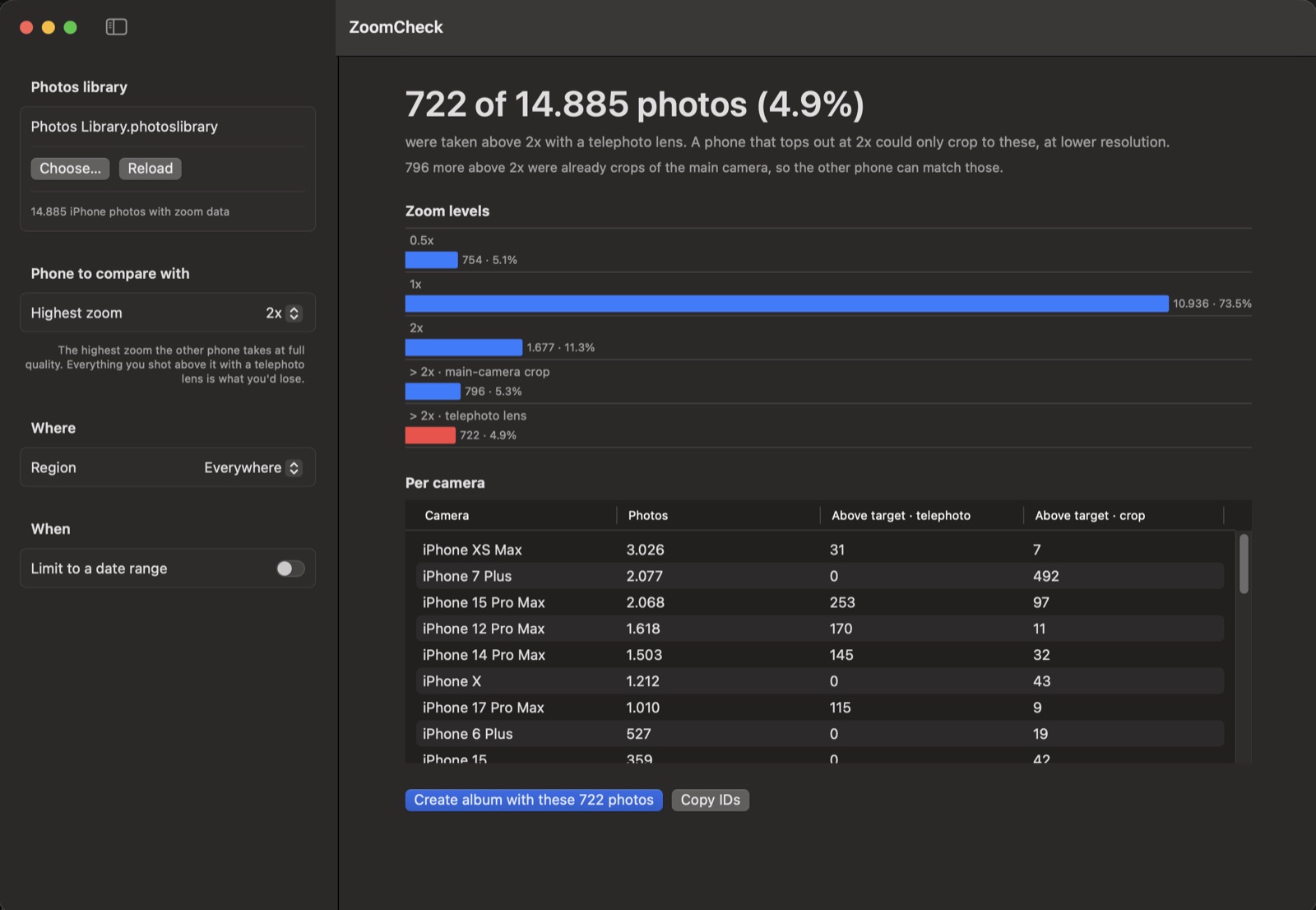
How often do you really use your iPhone’s telephoto lens? ZoomCheck reads your Photos library on the Mac and shows how many of your photos were taken above a given zoom level — so you can judge whether a phone with less zoom would cost you shots you care about.
- Photos split by zoom level, per iPhone model, for a date range or a single trip
- Tells real telephoto shots apart from crops of the main camera
- One click puts the photos you’d lose in an album
- Thinking about the foldable iPhone Duo, which tops out at 2x? Set the highest zoom to 2x and see

Presort
macOS · Swift · local language model
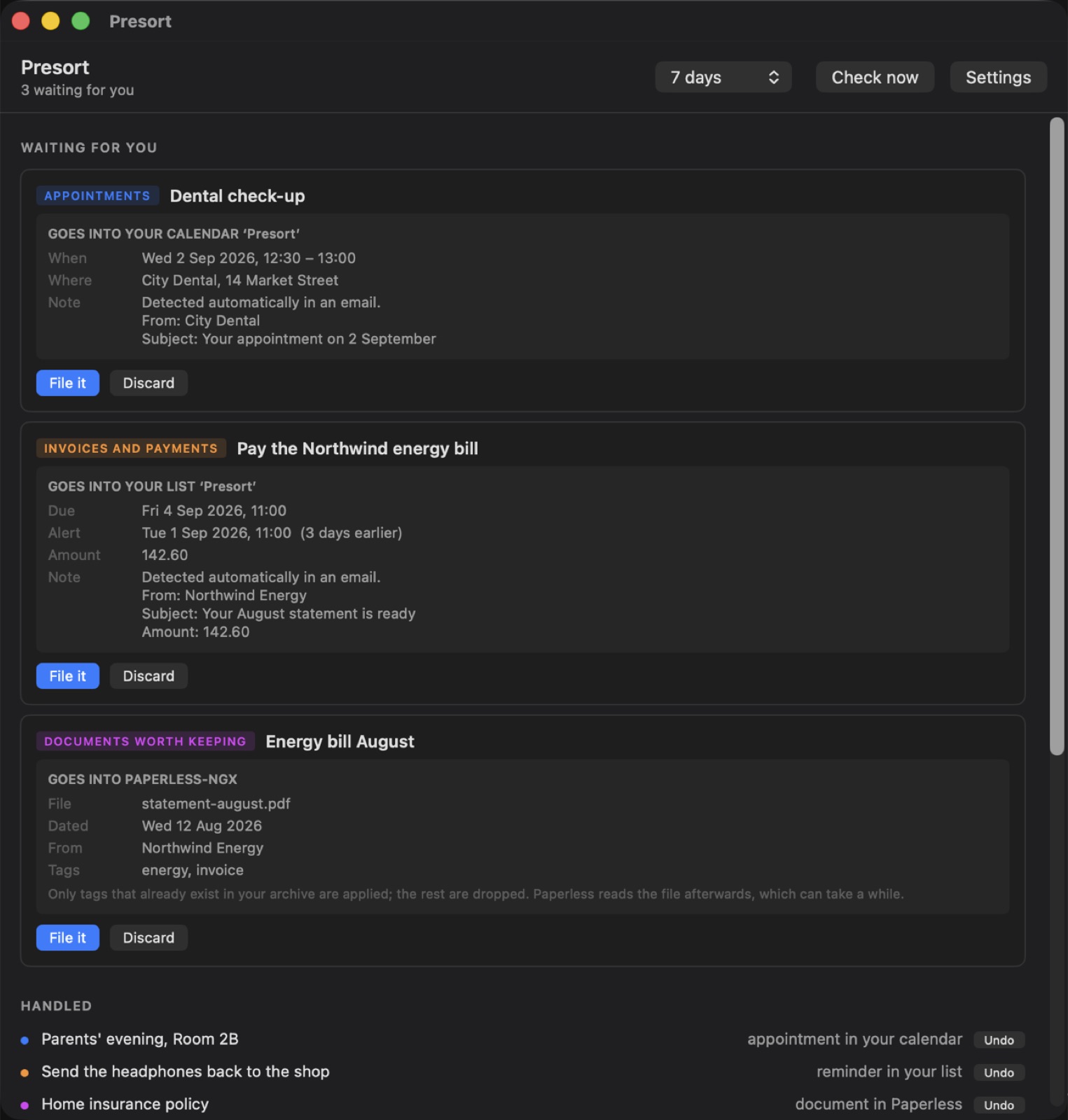
A small Mac app that reads your inbox with a language model you run, and turns what it finds into calendar entries, reminders and filed documents. The confirmation with a date in the third paragraph, the invoice due on the fourth, the parcel that has to go back before the eleventh.
- Mail goes from Apple Mail to a model at an address you choose — nothing is sent to anyone else
- The model gets no tools: it can only answer with JSON, so a hidden instruction in an email can never become an action
- The app checks every answer, and writes into a calendar and reminder list of its own
- Optional connections to Paperless-ngx and Parcel
KOReader → Obsidian
Obsidian plugin · KOReader · no cloud
Sync the highlights and notes from your e-reader straight into your Obsidian vault over Wi-Fi. The plugin runs a small KOSync-compatible server inside Obsidian; KOReader connects to it and every book gets its own Markdown file.
- Reading progress, highlights and annotations, per book
- Works on your own network — no account and no cloud service
- A Markdown file per book, in the folder you choose
KOReader (phone / e-reader)
│ Wi-Fi
▼
Obsidian plugin (your computer)
│
▼
Markdown file per book → your vault