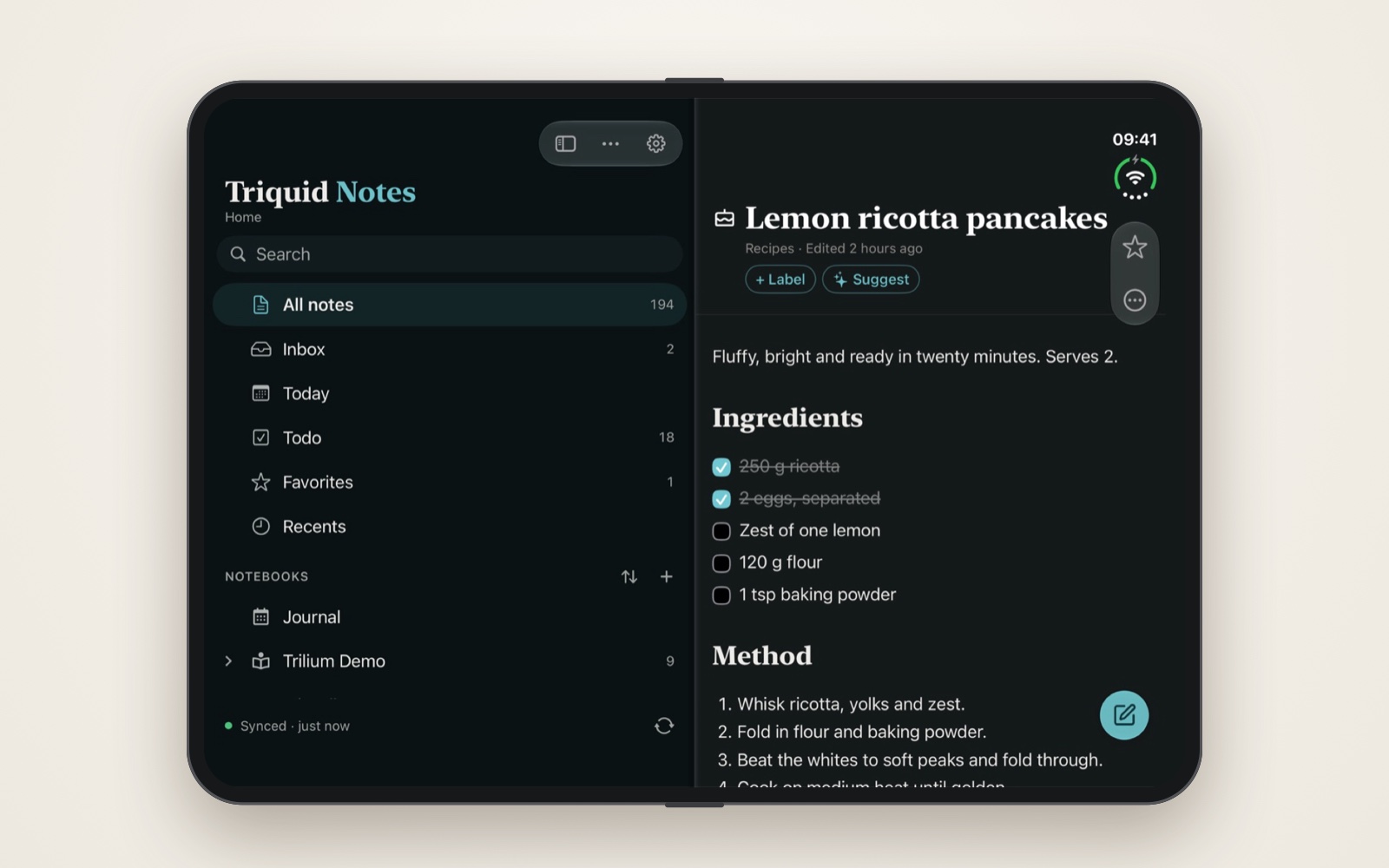
Obsidian is free until you want your notes on more than one device. Then you either pay every month or build your own sync from community plug-ins. Trilium ships with its own sync server, open source and free to run, so syncing every device you own costs nothing beyond the box it runs on.
Both apps are excellent on a single machine. The difference shows up the moment you add a phone, a work laptop or a partner’s computer. That is what this post is about.
The cost of hosted sync
Obsidian Sync costs $48 to $120 per user per year, and the cheap tier is tight: one vault, 1 GB and a 5 MB file limit. Prices are per user, so a household or small team pays for every person.
| Plan | Per year | Vaults | Storage | Max file | Version history |
|---|---|---|---|---|---|
| Sync Standard | $48–60 | 1 | 1 GB | 5 MB | 1 month |
| Sync Plus | $96–120 | 10 | 10 GB (up to 100 GB paid) | 200 MB | 12 months |
| Trilium sync server, self-hosted | $0 | unlimited | your disk | your disk | revisions kept |
Over five years, two people on Sync Plus pay $960 with annual billing. One person on Standard pays $240 and still cannot store a scanned PDF over 5 MB. Publish is another $8–10 per site per month if you want to share notes on the web; Trilium can share notes to a public URL from the same server.
What sync costs over five years
Per household, annual billing, October 2026 prices.
Obsidian Sync is $4 (Standard) or $8 (Plus) per user per month, billed annually. Trilium’s only cost is the server you already run.
Self-hosted sync: bolted on vs built in
Obsidian has no official self-hosted sync. Every alternative is a third-party plug-in or a generic file syncer. Trilium's sync server is part of the product, maintained by the same project and built from the same code as the app.
Two ways to sync your own server
The dots are your notes moving between devices.
| Obsidian, self-hosted | Trilium | |
|---|---|---|
| Who maintains sync | Community plug-ins (Self-hosted LiveSync, Remotely Save) or tools like Syncthing and Git | The Trilium project itself |
| What you run | CouchDB, S3-compatible storage, or a WebRTC relay | One Docker container with SQLite |
| Setup | A plug-in on every device, database configuration, often keys per device | Server URL, user and password in Options → Sync |
| Conflicts | Depends on the method; file syncers create duplicate files | Newer change wins; the older version is kept as a note revision |
| Integrity check | None built in | Hash comparison after every sync, with automatic recovery |
| Known caveats | Back up first, never combine with iCloud or Obsidian Sync, don't close the app mid-sync | Clocks must agree within 5 minutes; use a valid TLS certificate |
The LiveSync README itself tells you to back up before installing or upgrading, and to wait for its progress indicators before closing the app, to avoid corruption. That is honest, but it is not what I want from the layer that guards my notes.
Trilium's server is also a full web app. Any browser, including the one on your phone, opens the same notes without installing anything.
Where Triquid Notes fits
Trilium's weak spot has always been mobile: no native app, only a web frontend. That is why I built Triquid Notes. It closes that gap on Apple devices, for free, while your own Trilium server stays the single source of truth. (Full disclosure: it is my app.)
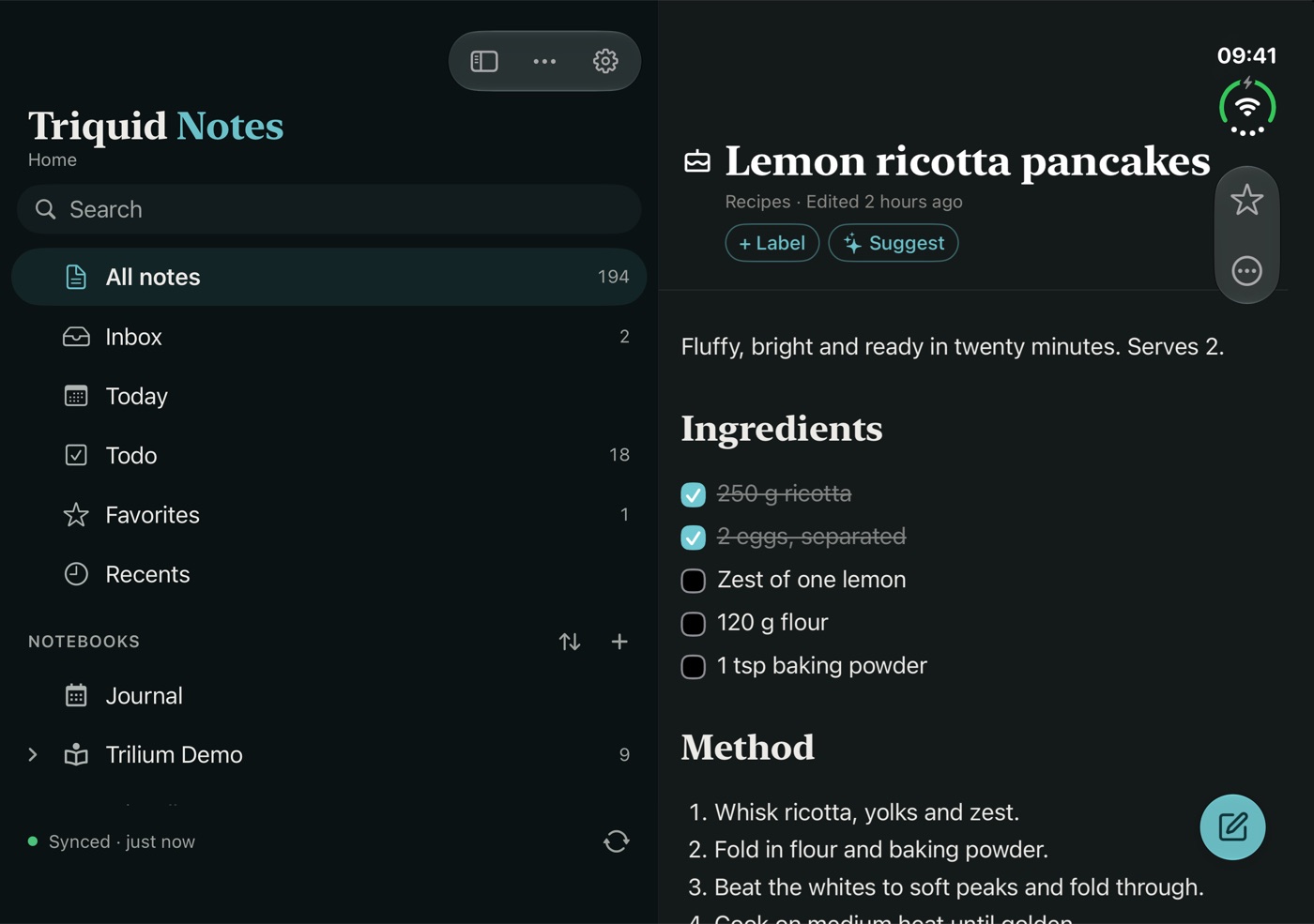
- Native on iPhone, iPad and Mac. iOS 26 or later, or a Mac with Apple silicon. Free on the App Store.
- Talks only to your server. It reads and writes the same notes, labels and tree as Trilium's own apps (TriliumNext 0.95 or later). No account, no analytics, no tracking.
- Works offline. Notes, edits and moves made without a connection stay on the device and go to the server when it returns.
- Fast capture. Quick notes, document scans with searchable text, photos, and article clipping from a copied link.
- Intelligence on the device. Summaries, to-dos, title and label suggestions run through Apple Intelligence on the device; protected notes are never read.
- Built for daily use. One to-do list gathered from all notes, full-text search including Spotlight, and Face ID for sensitive notes.
The combination is the point: a free, self-hosted sync server plus a free native client gives you what Obsidian Sync charges $48–120 a year for, without your notes ever leaving your own server. Triquid Notes is independent and not affiliated with the Trilium or TriliumNext projects.
Trade-offs
Obsidian keeps real advantages, and they are worth naming:
- Plain Markdown files. Obsidian notes are files any editor can open; Trilium keeps notes in a SQLite database, with Markdown export.
- Plug-ins. Obsidian's community plug-in ecosystem is far larger.
- Android. Obsidian has native apps on Android too. For Trilium there is a mobile web frontend and a community Android app.
- Free Apple-only sync. Obsidian over iCloud costs nothing, if every device you use is an Apple device.
What Trilium gives back: one sync server for every device at no licence cost, conflict handling with revision history, per-note encryption, scripting, and sharing from the same server. If you already run a home server, that is the better deal.