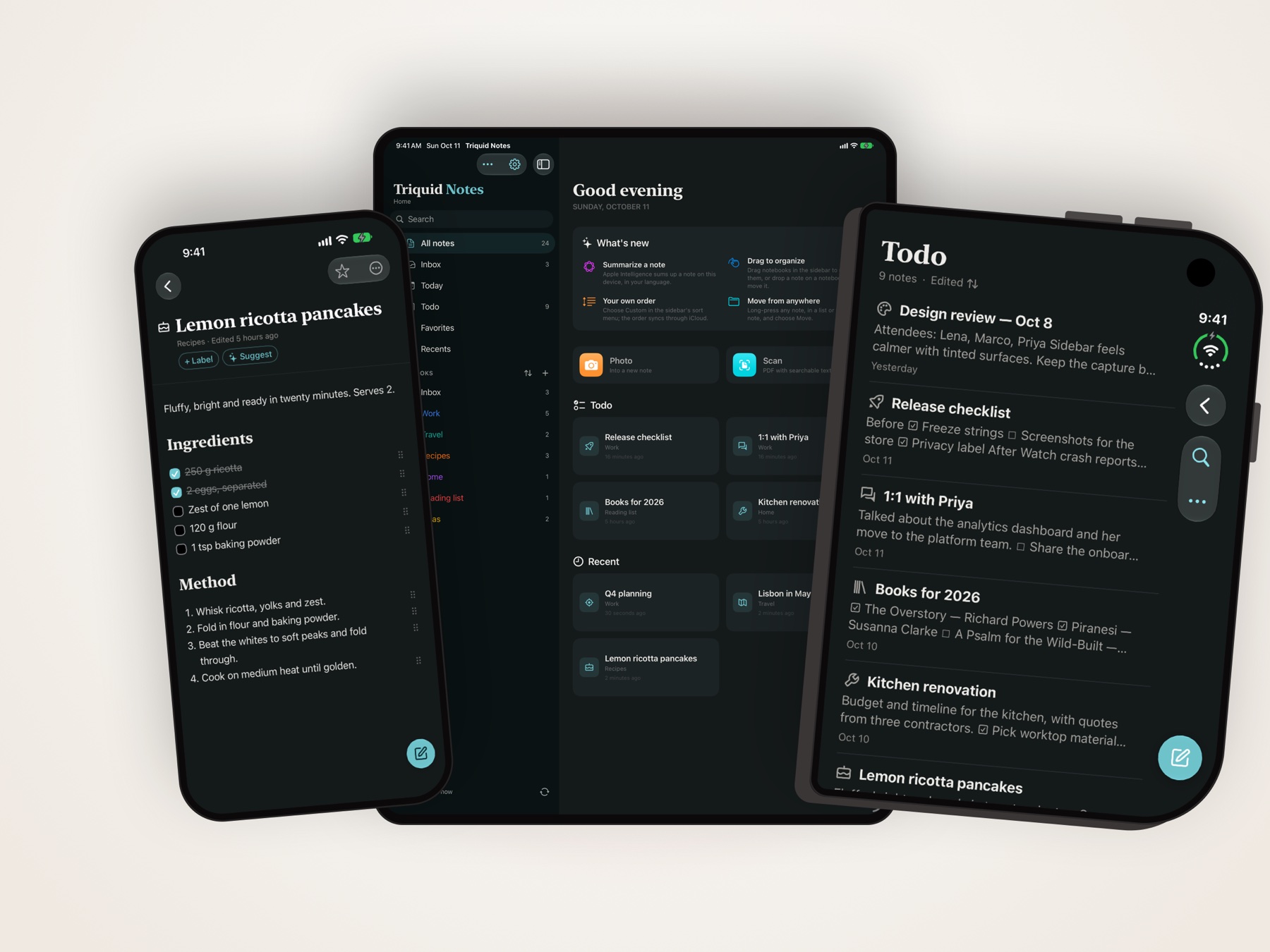
I keep my notes in Trilium, on a server in my own cupboard. On a laptop that is lovely. On a phone it meant a browser tab, a login that kept timing out, and nothing at all once the train went into a tunnel. So I built the app I wanted instead: Triquid Notes, for iPhone, iPad and Mac. It is free on the App Store.
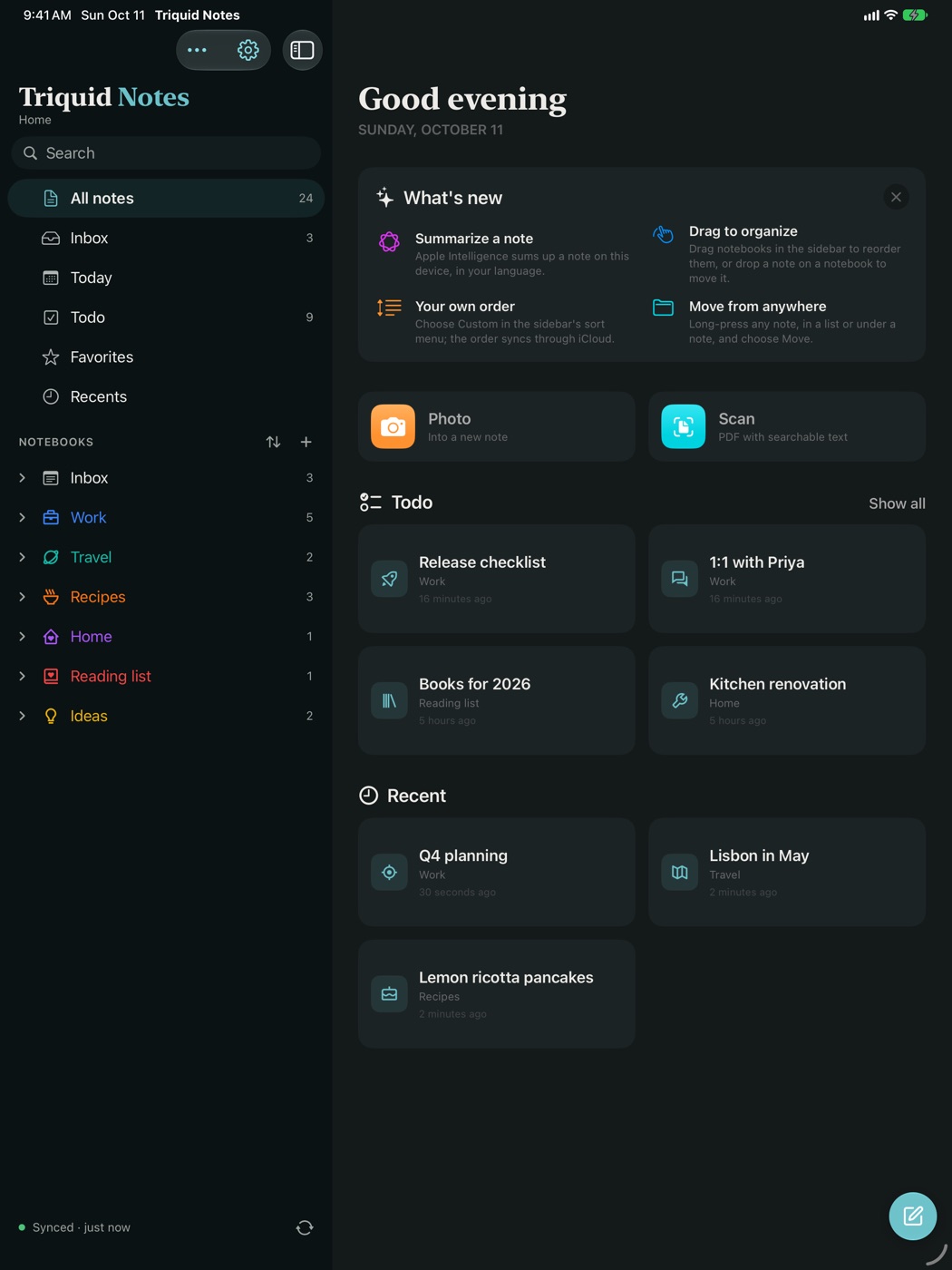
Your own server, a native app
Triquid Notes talks straight to your TriliumNext server and to nothing else. Your whole tree comes along, with Trilium’s own colours, icons and clones, and you read and write in a real native editor rather than a web page squeezed onto a small screen. There is no account with me and no service in between. The app collects nothing.
It also works without a server. You can start on the device, write for a while, and connect a server later; your notes move along when you do.
Works offline
This was the part I cared about most. Everything you open is kept on the device, so you can read and edit on a plane, in a tunnel or in a holiday cottage with no signal. When the connection comes back, your changes sync to the server by themselves.
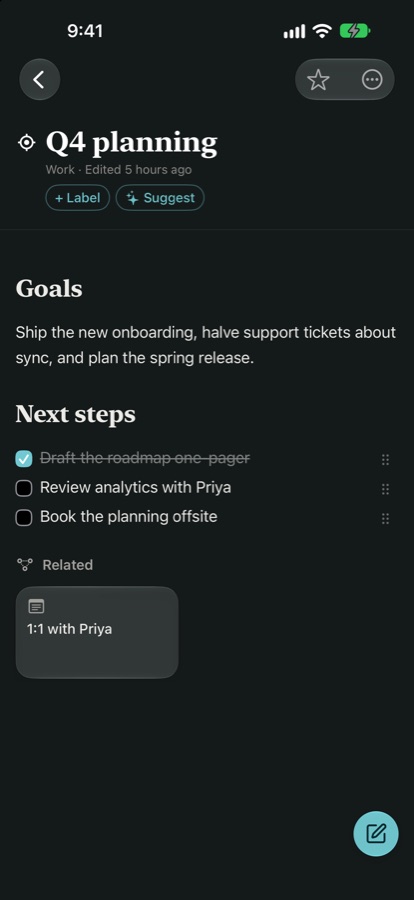
Capture things fast
- A quick note from anywhere in the app.
- Scan paper into a PDF with searchable text.
- Copy a link and the whole article becomes a note.
- Share PDFs, images and links from any other app straight into a notebook.
Apple Intelligence, on the device
On devices that have it, Triquid Notes can summarise a note (PDFs and photos too), suggest labels while you write, and show related notes under every note. All of that runs on the device itself. Your notes are not sent anywhere for it, which was the only way I wanted it.
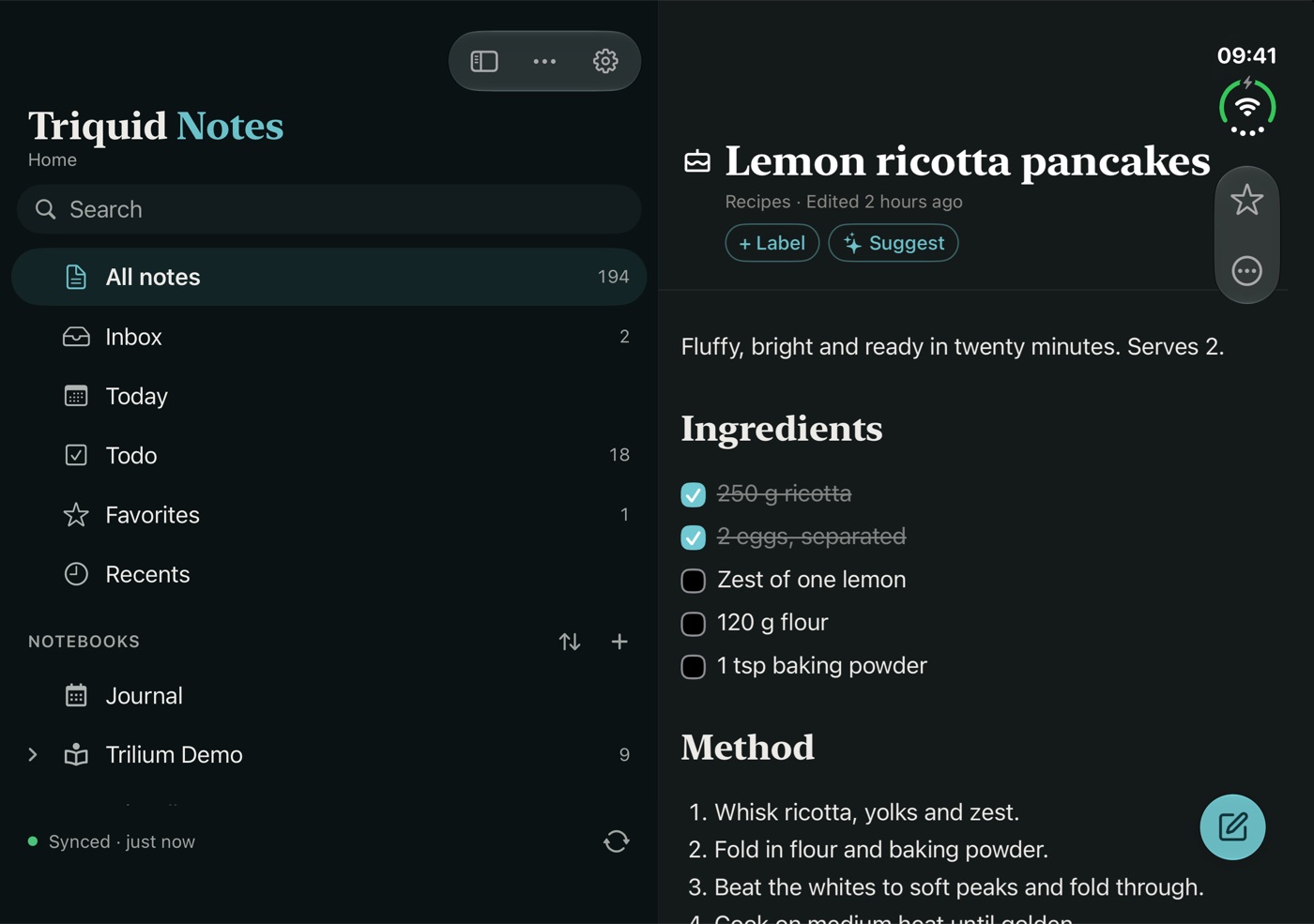
At home on the iPhone Duo
Unfolded, the menu takes a third of the screen and the note the rest. Half open like a book, menu and note each get a page. Fold it shut and the same note carries on, on the cover display.
In every language of the EU
Version 1.1 speaks all 24 official languages of the European Union, from Dutch and German to Maltese and Irish. If a phrase sounds off in yours, please tell me and I will fix it.
What you need
An iPhone or iPad on iOS 26, or a Mac with Apple silicon. For syncing, a TriliumNext server between 0.95 and 0.106 that your device can reach. Without a server it works as a notebook on the device.
Triquid Notes began as a fork of Trinote by StephenArg, and has grown a long way from there. It is not affiliated with or endorsed by the Trilium project.
Get Triquid Notes on the App Store, read more on its page, or mail me at info@justinmeijer.nl with questions, ideas or bugs. I read everything.